
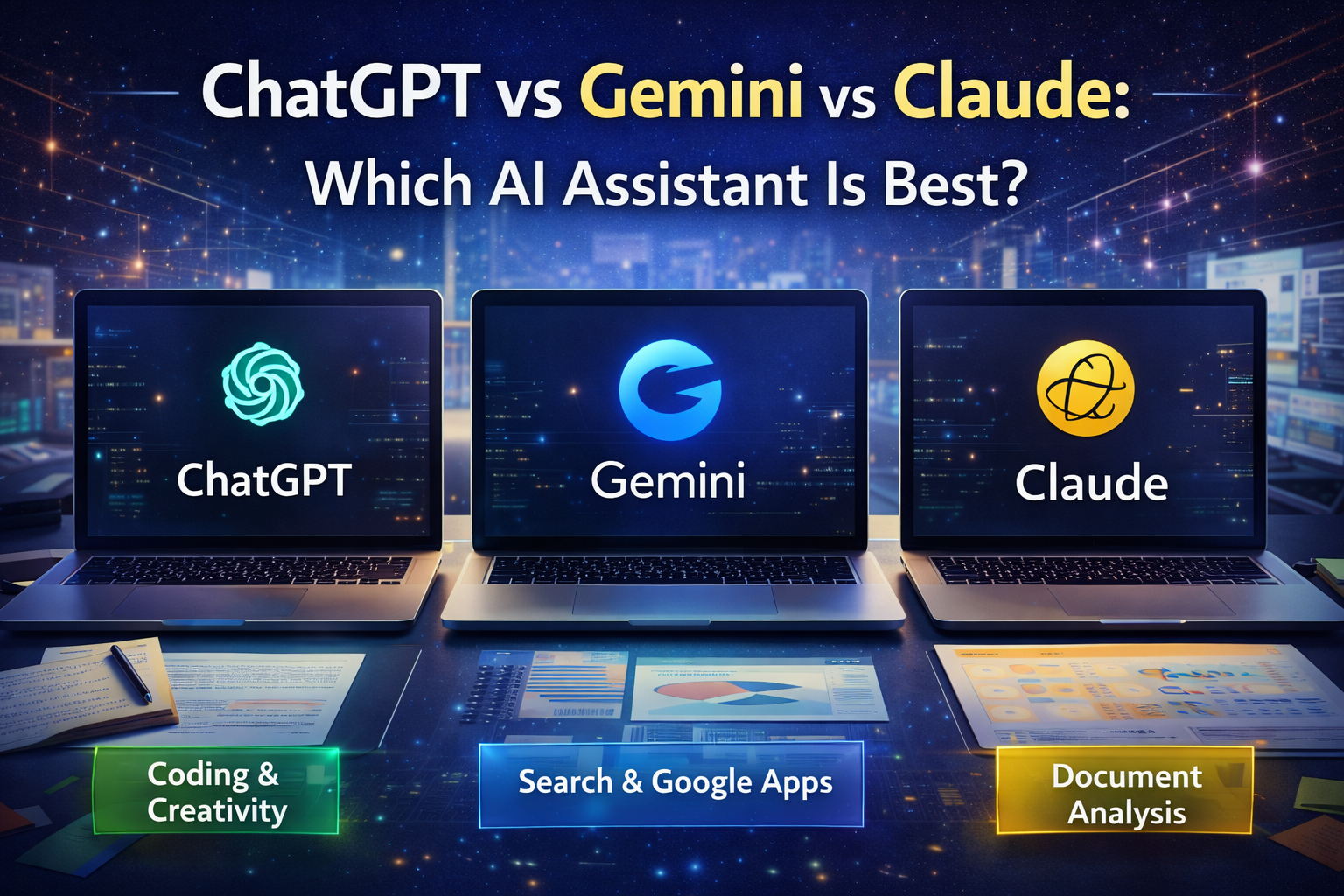
AI assistants now power writing, coding, research, and daily tasks. However, choosing the right one feels confusing. New updates arrive every month, and each tool claims to be smarter. Consequently, users often switch platforms without a clear plan.
If you compare ChatGPT vs Gemini vs Claude, you will notice different strengths instead of one perfect winner. Additionally, each assistant targets specific workflows such as coding, search, or long documents. This guide breaks down features, use cases, and priorities so you can pick the right tool with confidence.
ChatGPT vs Gemini vs Claude: Core Differences Explained
These three tools come from different companies with different goals. OpenAI builds ChatGPT with strong creativity and coding help. Google focuses Gemini on search and ecosystem integration. Meanwhile, Anthropic designs Claude with safety and long context reading.
Therefore, the best option depends on what you value most. Additionally, performance changes based on tasks like writing, math, or analysis.
At a glance:
- ChatGPT excels at coding, brainstorming, and structured answers
- Gemini integrates deeply with Google apps and real time data
- Claude handles long documents and careful reasoning very well
Consequently, your workflow should guide your choice.
ChatGPT: Versatile and Developer Friendly
ChatGPT remains popular for a reason. It feels fast, conversational, and flexible. Additionally, it supports plugins, browsing, and file uploads. Therefore, it works well for both beginners and professionals.
Writers use it for blogs and emails. Developers use it for debugging and code generation. Moreover, students rely on it for explanations and summaries.
It also remembers context clearly in multi step tasks. As a result, complex prompts work smoothly. However, pricing tiers may limit heavy users.
If you want an all purpose assistant, ChatGPT often becomes the safe default.
Gemini: Strong With Search and Google Tools
Gemini shines when connected to Google services. Consequently, it feels natural for people already using Gmail, Docs, and Drive. You can summarize emails, draft slides, and analyze sheets quickly.
Additionally, Gemini pulls fresh information from the web. Therefore, it performs well for current events and research tasks. This real time strength helps marketers and analysts.
It also supports multimodal inputs like images and documents. However, creative writing sometimes feels less natural compared to others.
Still, if your work lives inside Google products, Gemini saves time every day.
Claude: Reliable for Long and Detailed Work
Claude focuses on clarity and safety. Therefore, it handles long reports and legal style documents smoothly. Many users trust it for careful reasoning tasks.
Additionally, it processes very large context windows. Consequently, you can upload entire PDFs or books without breaking the flow. This feature helps researchers and content reviewers.
Claude also gives calm and structured answers. However, it may feel slower for quick brainstorming or coding tasks.
If you work with heavy text analysis, Claude becomes a strong choice.
Choosing Based on Your Goals
Before picking a tool, define your primary need. However, many people skip this step. Consequently, they waste money on features they rarely use.
Ask yourself what you do daily. Then match the tool accordingly.
Consider these priorities:
- Writing and coding support for productivity
- Real time research and Google workspace integration
- Long document reading and careful analysis
Therefore, the decision becomes practical instead of emotional.
Pricing and Growth Considerations
Cost also matters, especially for teams. Additionally, enterprise plans offer security and collaboration tools. Consequently, businesses should compare plans carefully.
Free versions work for testing. However, paid tiers unlock advanced models and faster responses. As a result, professionals often upgrade quickly.
Over time, all three platforms will improve. Therefore, flexibility remains important. You might even use two tools depending on the task.
Conclusion
There is no universal winner in the ChatGPT vs Gemini vs Claude debate. Each assistant solves different problems effectively. Additionally, your workflow and budget shape the best choice.
If you want versatility, choose ChatGPT. If you depend on Google apps, pick Gemini. If you analyze long documents, try Claude. Consequently, selecting the right tool helps you work faster and grow smarter in 2026.
Frequently Asked Questions(FAQ)
1. Which AI assistant is best for coding tasks?
ChatGPT usually performs best for coding help, debugging, and structured explanations.
2. Which tool is better for research and current data?
Gemini works well because it integrates with Google search and real time information.
3. Can I use more than one AI assistant together?
Yes. Many professionals combine tools to match different tasks and improve productivity.
Other Articles

What Is Renewable Energy Explained Simply for Beginners in 2026?
What Should Countries Focus on to Stay Ahead in 2026 for Growth?